Tech WhenTip EditorialSource article updated Oct 20, 20261 min read
Shift seems held down? Check Windows Sticky Keys
A Windows 11 question on Quasarzone dated May 20, 2023 prompted this settings check. Sticky Keys does not explain every input problem.
WhenTip EditorialSource article updated Oct 20, 20261 min read
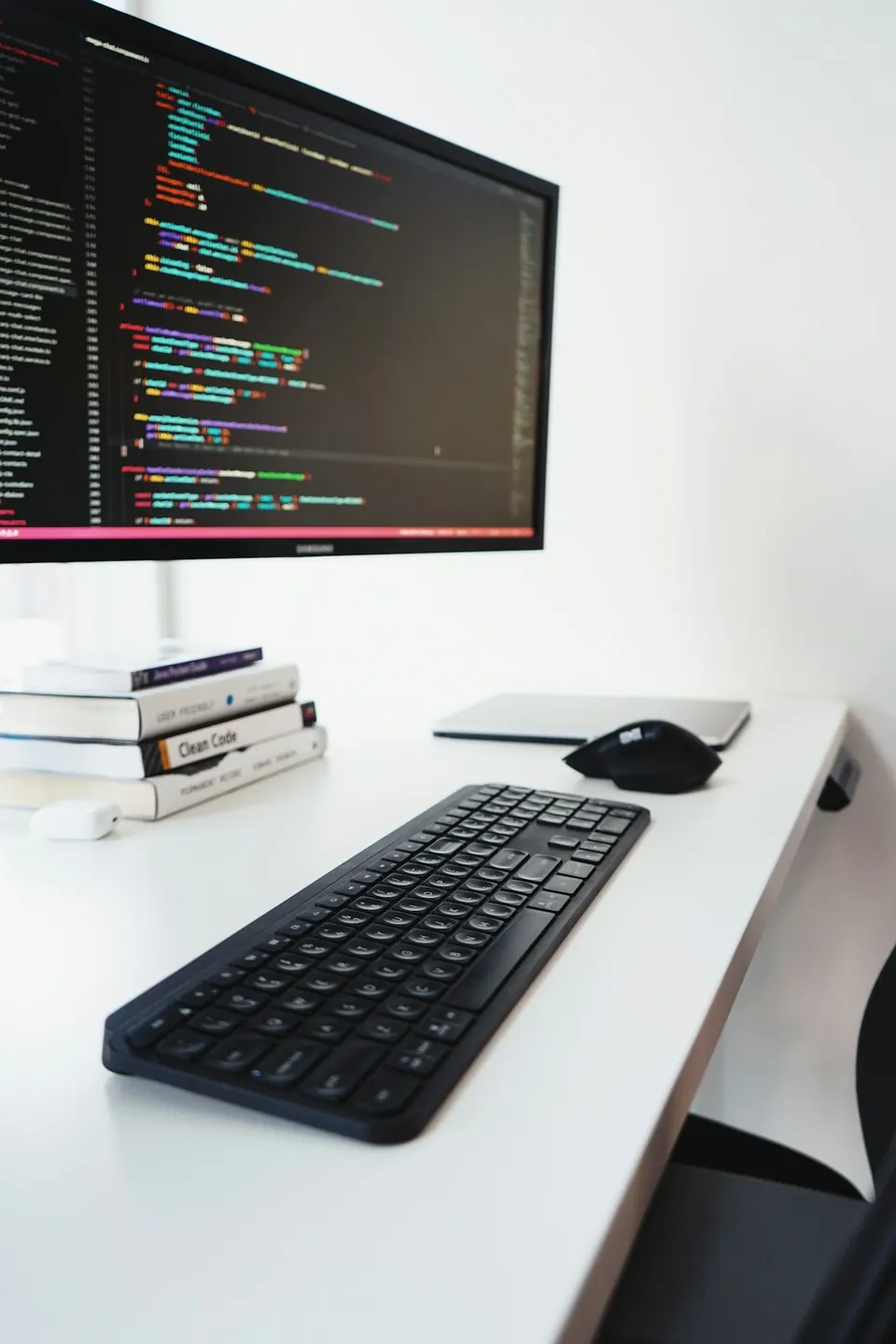
Based on the sources linked below. The photograph is for illustration.
Before you start
STEP BY STEP
Here’s how
01
Open Accessibility
Go to Start → Settings → Accessibility, or press Windows key+U.
02
Check Keyboard settings
Select Keyboard and check the Sticky Keys switch. This feature lets you press shortcut keys in sequence when simultaneous presses are difficult.
03
Adjust for your needs
If it is on unintentionally, turn it off and check typing. If it is already off or the problem persists, do not assume Sticky Keys is the cause.
Sources & further reading
Microsoft — Make input devices easier to use ↗Quasarzone — Shift sometimes appears held down (2023-05-20) ↗Some sources are in Korean. Check the original guidance for current product, store or software conditions.
Read this article in Korean →