Tech WhenTip EditorialSource article updated Oct 13, 20262 min read
No sound after connecting a monitor? Check the audio output
Inspired by Quasarzone's DP and HDMI feature. The Windows 11 procedure is checked against Microsoft's official instructions.
WhenTip EditorialSource article updated Oct 13, 20262 min read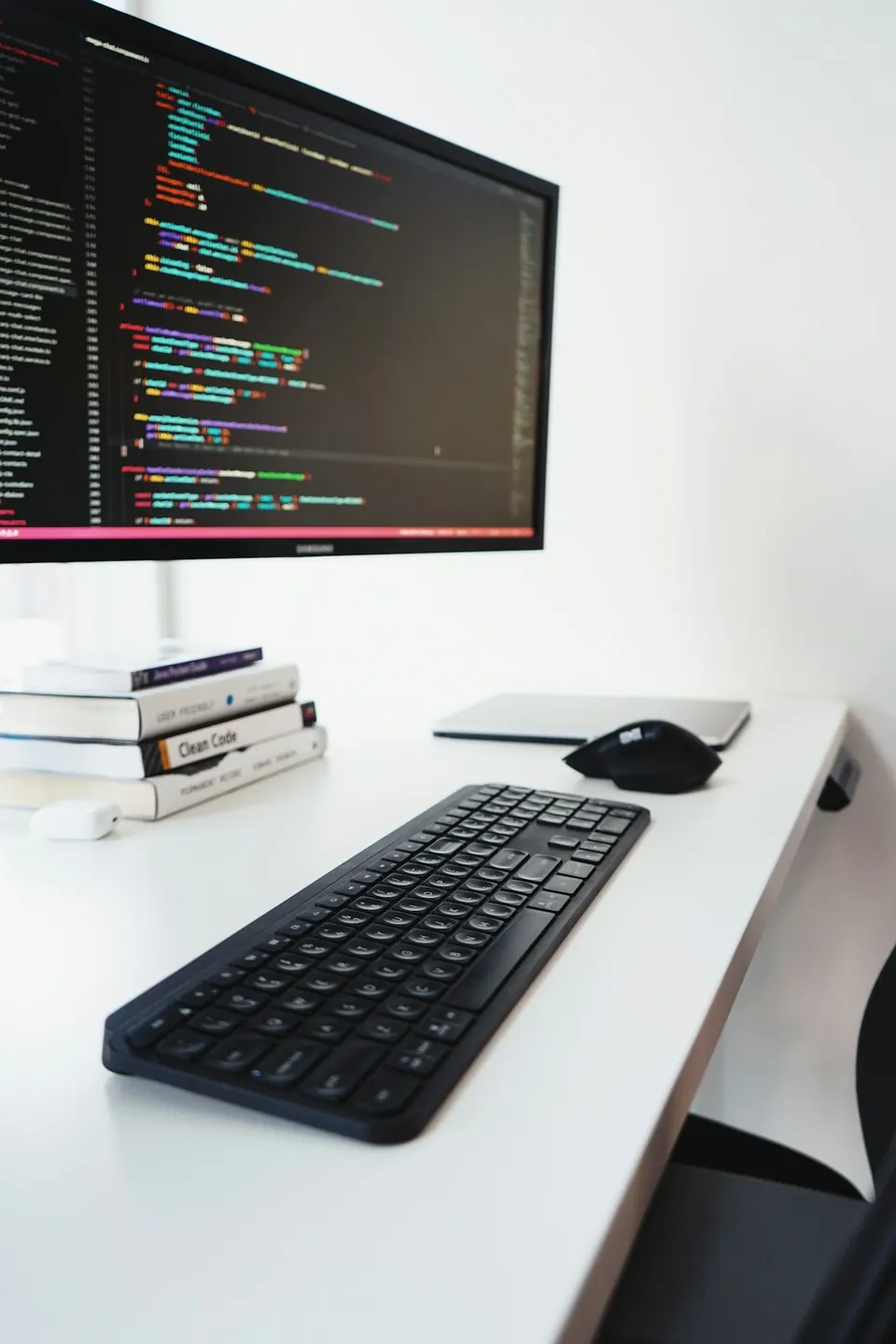
Based on the sources linked below. The photograph is for illustration.
Before you start
STEP BY STEP
Here’s how
01
Open the sound controls
Select the speaker icon on the taskbar.
02
Expand the output list
Select the arrow to the right of the volume slider to see connected audio devices.
03
Choose where to listen
Select your speakers or headset and test at low volume. To hear sound from a monitor, first check that it has built-in speakers.
Sources & further reading
Microsoft — Fix sound or audio problems in Windows ↗Quasarzone — Understanding DP and HDMI ↗Some sources are in Korean. Check the original guidance for current product, store or software conditions.
Read this article in Korean →