Cleaning a Samsung TV screen: start with a dry microfiber cloth
For dust and fingerprints on a Samsung TV, start with a clean, dry microfiber cloth. Follow the manufacturer's sequence: disconnect power, dampen the cloth only if needed, and let the screen dry completely. Check the manual first for models with special screen finishes.
 WhenTip EditorialSource article updated Oct 31, 20264 min read
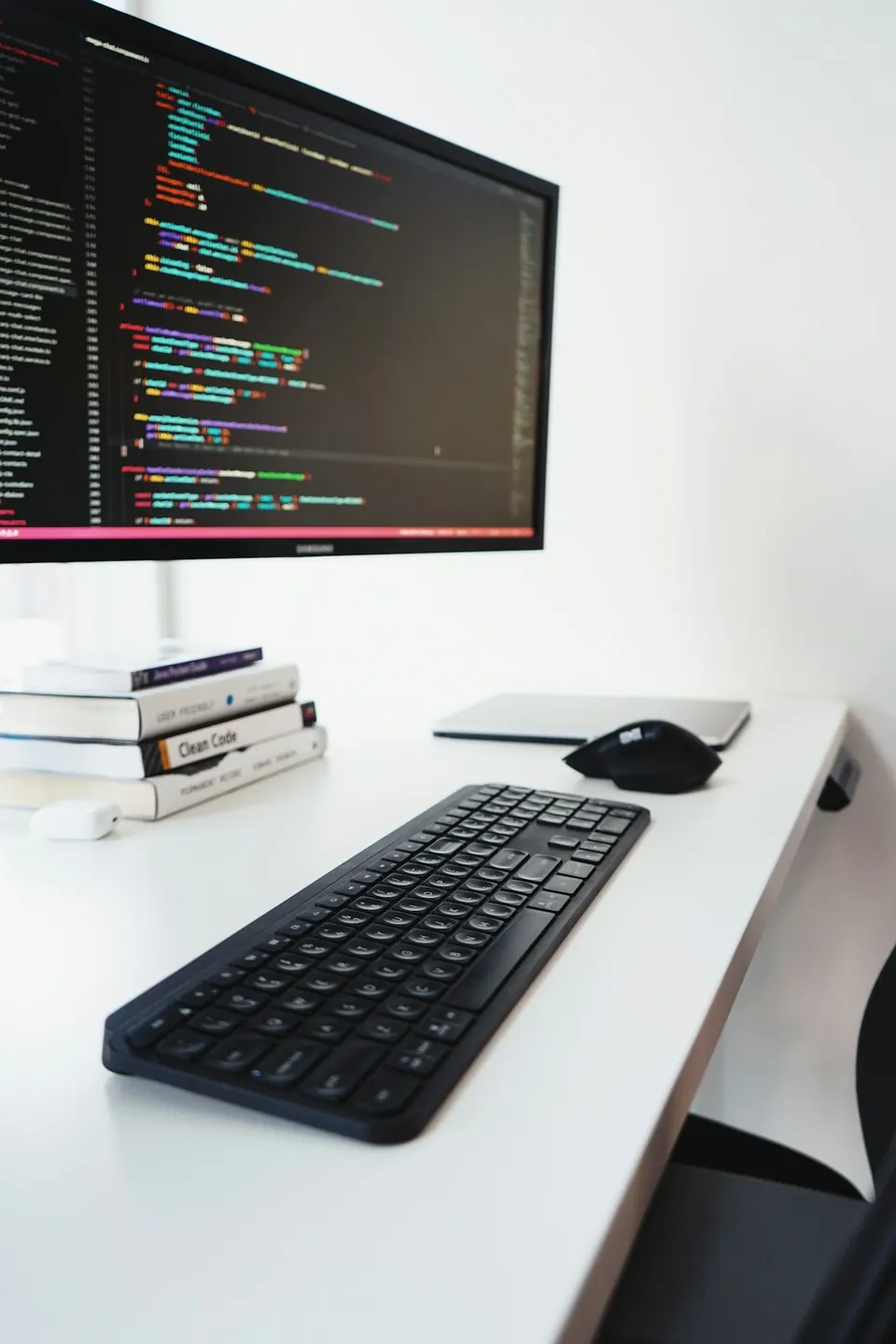
Based on the sources linked below. The photograph is for illustration.
Before you start
STEP BY STEP
Here’s how
Check the model instructions and disconnect power
This guide follows Samsung's general TV cleaning instructions. Find your model number and check its manual for any separate screen-care requirements. Samsung's US support page treats The Frame and Serif screens separately. Tools mentioned in that section should not be used on every TV. Turn the TV off, let it cool for a few minutes, then unplug it. Do not detach a wall-mounted TV or tilt it into an unstable position just to clean it. If you cannot reach the area safely, address the installation situation before proceeding.
Wipe gently with a clean part of the cloth
Start without water. Use a soft, clean, dry microfiber cloth to wipe the frame and screen gently. Setting aside a clean cloth for the screen, rather than using a kitchen cloth, helps avoid rubbing an already dirty surface back across it. Do not press the panel with your fingertips or scrape it with your nails when a fingerprint remains. Samsung warns that excessive pressure and abrasive tools can damage the screen. Repeatedly rubbing harder is not a substitute for the next step.
Dampen the cloth only if dry wiping is insufficient
If your model's instructions allow it, use a small amount of distilled water on the microfiber cloth for marks that dry wiping has not removed. Samsung's US instructions specify spraying distilled water onto the cloth. Never spray the screen or gaps in the TV directly. For example, a single remaining fingerprint calls for careful attention to that area, not soaking the entire screen. Follow with a dry cloth to remove residual moisture. This is an example of limiting the work area, not a firsthand stain-removal test.
Let it dry fully; ask support about persistent marks
Wait until the TV is completely dry before reconnecting power. Do not substitute an arbitrary number of minutes for checking whether moisture remains. If a mark persists, contact support for your model instead of adding detergent or pressure. Avoid window cleaner, soap, scouring powder, wax, cleaners containing alcohol, benzene, ammonia or acetone, and paper towels. Samsung warns that these can scratch the screen or damage its anti-glare coating.
Sources & further reading
Samsung US Support — How to clean your Samsung TV ↗Samsung Australia Support — Cleaning your TV screen ↗Some sources are in Korean. Check the original guidance for current product, store or software conditions.
Read this article in Korean →